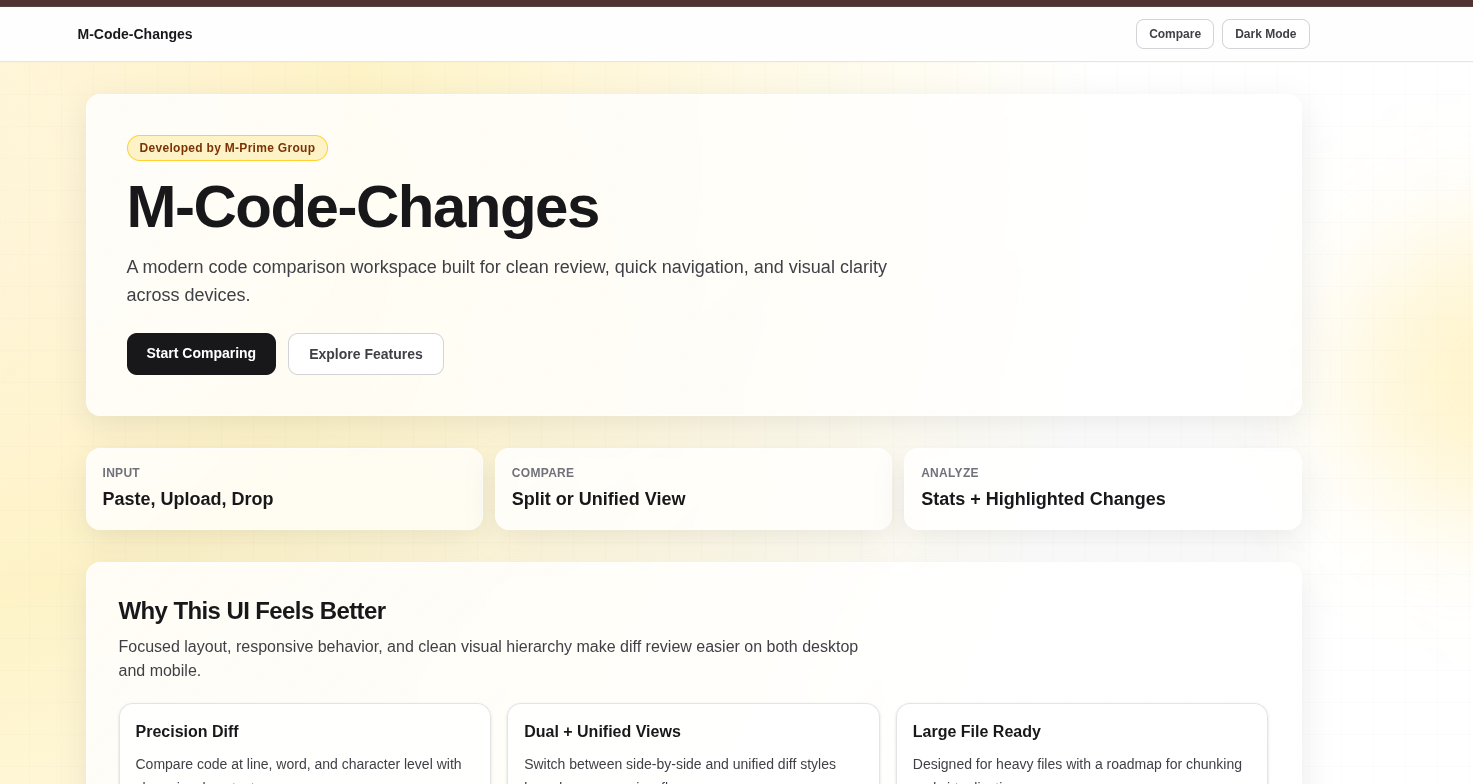
Introducing M-Code-Changes: A Modern Tool to Compare Code Like GitHub
📌 Introduction
In today’s fast-paced development environment, understanding code differences quickly and clearly is essential. Whether you're debugging, reviewing pull requests, or tracking updates, having a reliable code comparison tool makes all the difference.
We are excited to announce the launch of M-Code-Changes 👉
🔗 https://m-code-changes.m-pg.in/
A powerful, modern, and developer-friendly platform designed to compare code efficiently and visually, just like GitHub—but with its own unique enhancements.
🎯 What is M-Code-Changes?
M-Code-Changes is a web-based tool that allows developers to:
- Compare two versions of code side-by-side
- Detect line-by-line and word-level changes
- Visualize differences in a clean and modern UI
It is built to simplify the way developers analyze and track changes between code versions.
⚡ Key Features
🔹 1. Dual Code Input System
- Input Code 1 and Code 2
- Supports multiple programming languages
- Clean editor interface for better readability
🔹 2. GitHub-Style Code Comparison
- Side-by-side comparison view
- Highlighted additions and deletions
- Easy-to-understand diff visualization
👉 Helps developers instantly identify what changed
🔹 3. Detailed Change Detection
M-Code-Changes goes beyond basic diff tools:
- Line-level changes
- Word-level differences
- Column-based comparison
- Change count tracking
🔹 4. Change Summary Insights
- Total lines changed
- Number of additions & deletions
- Quick overview of modifications
👉 Useful for code reviews and analysis
🔹 5. Modern & Clean UI
- Smooth and responsive interface
- Developer-friendly layout
- Minimal distractions
🔹 6. Fast Processing Engine
- Real-time comparison
- Optimized for performance
- Works efficiently even with larger code blocks
🔹 7. Advanced Capabilities (Planned & Evolving)
- Syntax highlighting improvements
- File upload support
- Version history tracking
- Export diff results
- Integration with development workflows
💻 How It Works
Using M-Code-Changes is simple:
- Open the website
👉 https://m-code-changes.m-pg.in/ - Paste your original code in Code 1
- Paste updated code in Code 2
- Click compare
- Instantly view:
- Differences highlighted
- Changes counted
- Side-by-side comparison
🧪 Practical Use Cases
✅ Code Review
Quickly identify what a developer changed before merging.
✅ Debugging
Find where the bug was introduced.
✅ Learning & Comparison
Compare two approaches to the same problem.
✅ Version Tracking (Manual)
Track changes without Git for small projects.
🔥 Why M-Code-Changes Stands Out
- No setup required
- No installation needed
- Clean and intuitive UI
- Designed specifically for developers
- Focused on clarity and performance
🚀 Future Vision
M-Code-Changes aims to evolve into a complete code comparison ecosystem, including:
- Git integration
- API access
- Team collaboration features
- AI-powered code insights
🧾 Final Thoughts
M-Code-Changes is more than just a diff tool—it’s a developer productivity booster.
“Understanding code changes should be fast, simple, and visual.”
Whether you're a beginner or an experienced developer, this tool helps you:
- Save time
- Improve code quality
- Work smarter
🔗 Try It Now
👉 https://m-code-changes.m-pg.in/
Start comparing your code and experience a smarter way to track changes.