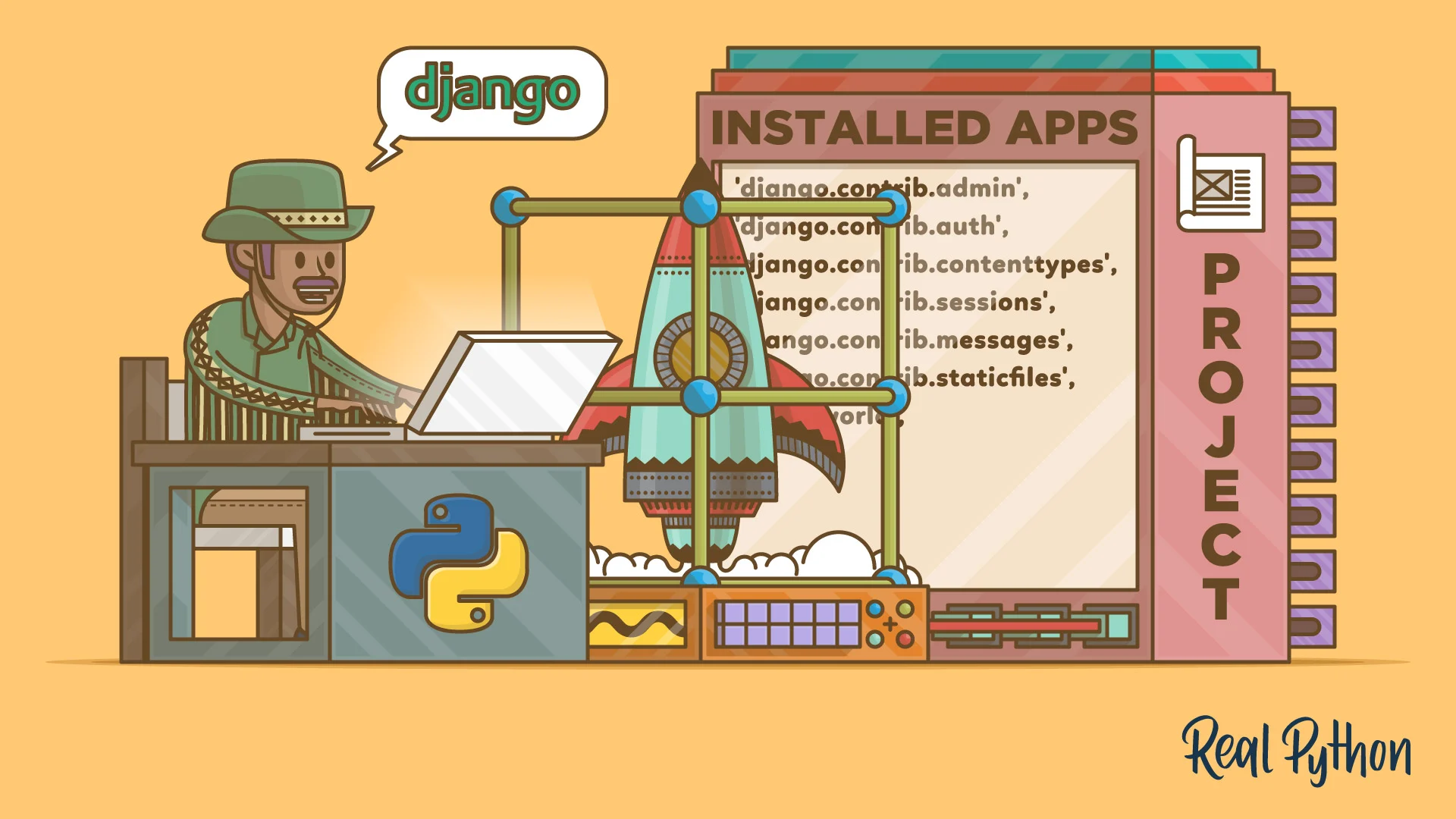
Web Development with Python and Django: A Comprehensive Guide
Web development is an ever-evolving field, and choosing the right tools can make all the difference in creating efficient, scalable, and maintainable web applications. Python, known for its simplicity and versatility, combined with Django, a high-level web framework, has become a popular choice for developers worldwide. In this blog post, we'll explore why Python and Django are an excellent combination for web development and how you can get started with this powerful duo.
Why Python for Web Development?
- Readability and Simplicity: Python's clean and readable syntax makes it easy for developers to write and maintain code, reducing development time and errors.
- Extensive Libraries: Python boasts a vast ecosystem of libraries and frameworks, making it versatile for various web development tasks.
- Community Support: With a large and active community, Python developers can easily find solutions to problems and stay updated with best practices.
- Scalability: Python can handle projects of any size, from small scripts to large-scale web applications.
Introducing Django: The Web Framework for Perfectionists with Deadlines
Django is a high-level Python web framework that encourages rapid development and clean, pragmatic design. Here's why Django stands out:
- Batteries Included: Django comes with a robust set of tools and features out of the box, including an ORM, authentication system, and admin interface.
- Security: Django takes security seriously, providing built-in protection against common web vulnerabilities like SQL injection, cross-site scripting, and clickjacking.
- Scalability: Django's architecture allows for easy scaling of applications as they grow.
- DRY Principle: Django follows the "Don't Repeat Yourself" principle, promoting code reusability and maintainability.
Getting Started with Django
- Set up your environment:
- Install Python (if not already installed)
- Create a virtual environment
- Install Django using pip:
pip install django
- Create a new Django project:
django-admin startproject myproject
cd myproject
- Create a Django app:
python manage.py startapp myapp
- Define your models in
myapp/models.py
from django.db import models

class Article(models.Model):
    title = models.CharField(max_length=200)
    content = models.TextField()
    pub_date = models.DateTimeField('date published')
- :
- Create views in
myapp/views.py:
from django.shortcuts import render
from .models import Article

def article_list(request):
    articles = Article.objects.all()
    return render(request, 'myapp/article_list.html', {'articles': articles})
- Set up URL patterns in
myapp/urls.py:
from django.urls import path
from . import views

urlpatterns = [
    path('articles/', views.article_list, name='article_list'),
]
- Create templates in
myapp/templates/myapp/article_list.html:
<h1>Articles</h1>
<ul>
{% for article in articles %}
    <li>{{ article.title }}</li>
{% endfor %}
</ul>
- Run migrations and start the development server:
Best Practices for Django Development
- Use Django's ORM: Leverage Django's Object-Relational Mapping for database operations instead of writing raw SQL queries.
- Implement Class-Based Views: Use class-based views for more complex view logic and better code organization.
- Utilize Django REST Framework: For building APIs, Django REST Framework provides powerful tools and abstractions.
- Test Your Code: Django comes with a testing framework. Write unit tests for your models, views, and forms.
- Use Django's Forms: Take advantage of Django's form handling capabilities for data validation and security.
- Implement Caching: Use Django's caching framework to improve performance, especially for database-intensive operations.
- Follow Django's Security Best Practices: Keep your Django version updated and follow security guidelines provided in the official documentation.
Conclusion:
Python and Django offer a robust, efficient, and enjoyable way to develop web applications. With Django's "batteries-included" philosophy and Python's simplicity, developers can focus on writing application logic rather than reinventing the wheel. As you continue your journey in web development with Python and Django, remember to explore the extensive documentation, engage with the community, and keep practicing to build amazing web applications.
Whether you're building a simple blog or a complex e-commerce platform, Python and Django provide the tools you need to bring your web development ideas to life. Happy coding!
When using Django's ORM, you can easily perform database operations without having to write raw SQL queries. This not only simplifies your code but also helps prevent SQL injection attacks. Additionally, Django's ORM provides a high level of abstraction, allowing you to work with database models and relationships in a more intuitive way. So take advantage of this powerful feature and make your database operations more efficient and secure.